01
Overview
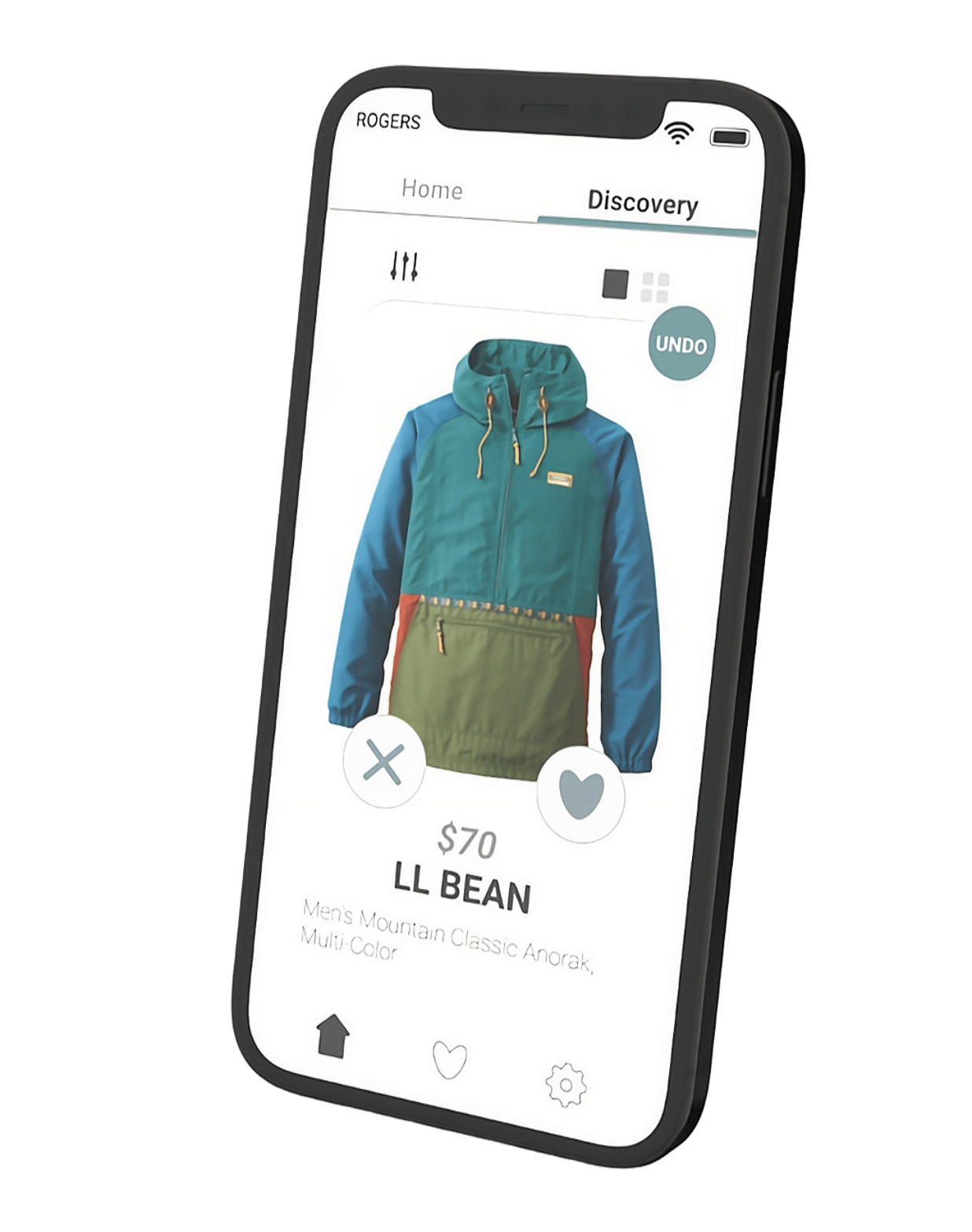
Intrigue is a mobile clothing concept I designed to help people find styles they like without sinking hours into browsing. I was the sole designer across concept, UX, visual design, and prototyping.
The core idea is a swipeable discovery feed built around current trends, so the app does the sorting and the user just reacts. This case study walks through how the concept started, where it pivoted, and what I built.
02
Where It Started
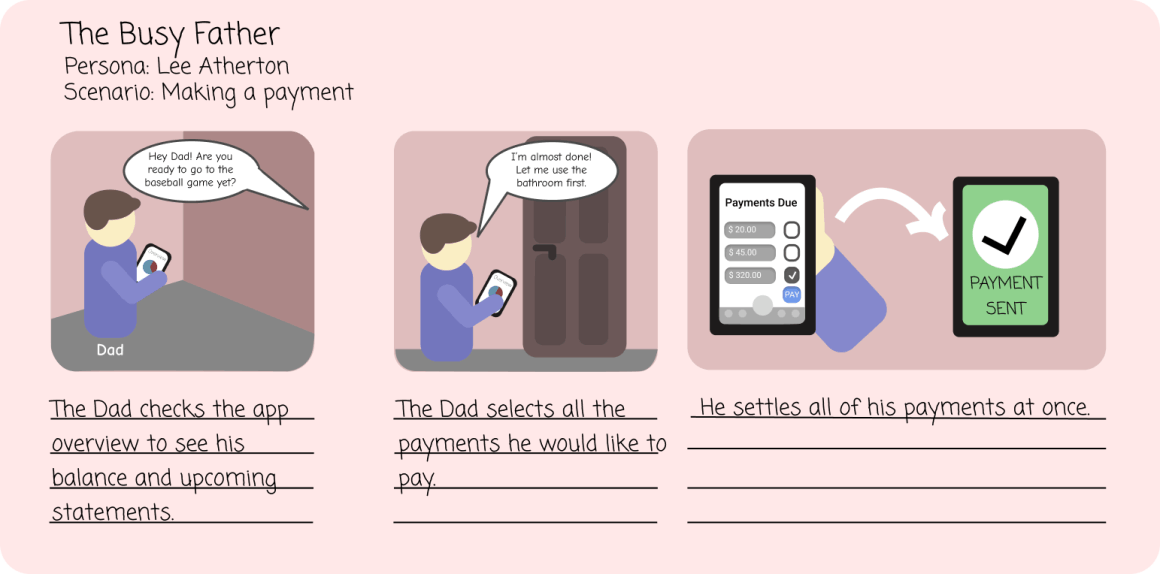
Intrigue didn't begin as a clothing app. The first version was a bill-management tool that let users pay multiple bills from one place, with manual statement entry and due-date alerts.
As I built the high-fidelity designs, I realized similar apps already existed and the idea wasn't distinctive enough to stand out. That pushed me to rethink what the app should actually be.
03
Sketching the Flow
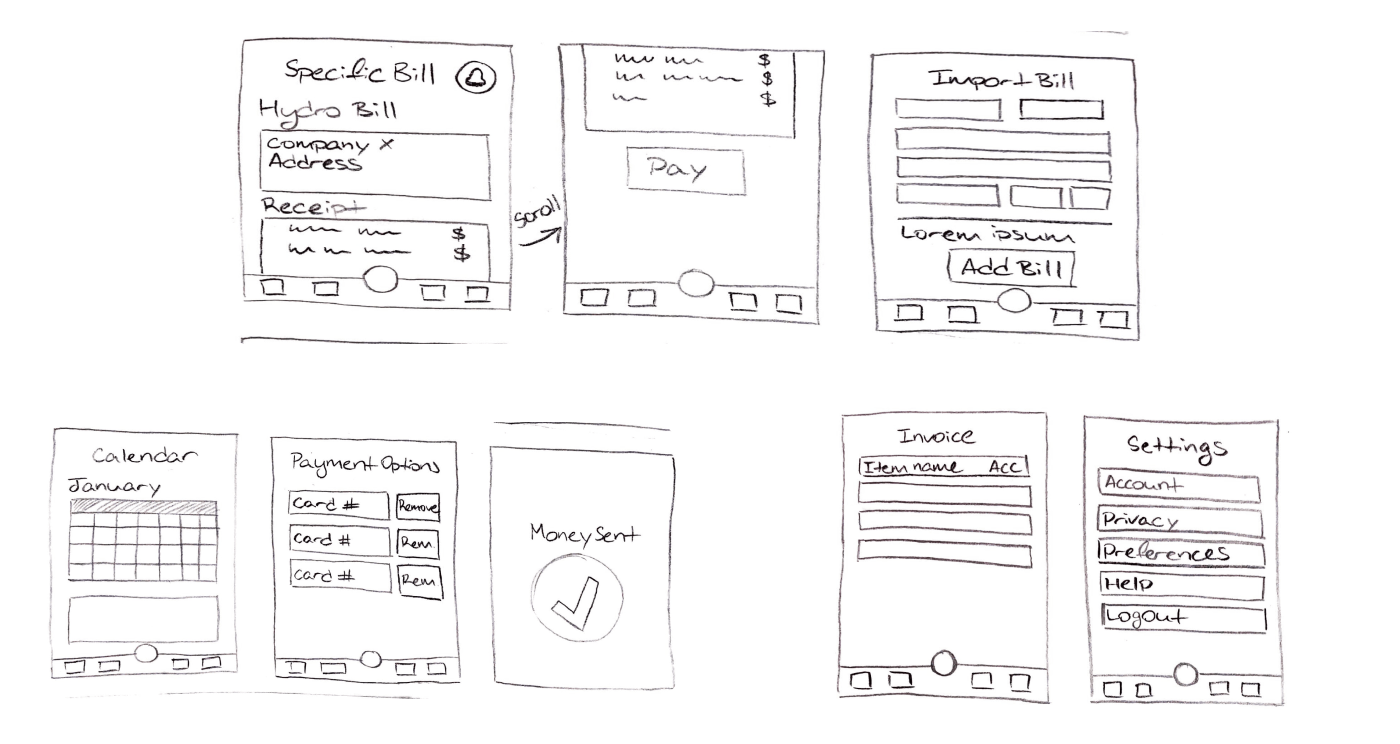
Before any high-fidelity work, I mapped the app on paper. These wireframes show the original bill-pay flow: a single dashboard for payments, statement uploads, and upcoming-bill alerts.
Working the flow out by hand made the real problem obvious. The interaction needed to feel immediate and visual, not like filling out finance forms.
04
The Pivot to Clothing
I decided to refocus the concept on clothing. There was a clear need for a fast, friendly app that helps people find new trends and browse styles without the usual time sink.
The goal stayed the same as the original: save the user time on an everyday task. Only the domain changed.
05
Building the Discovery Feed
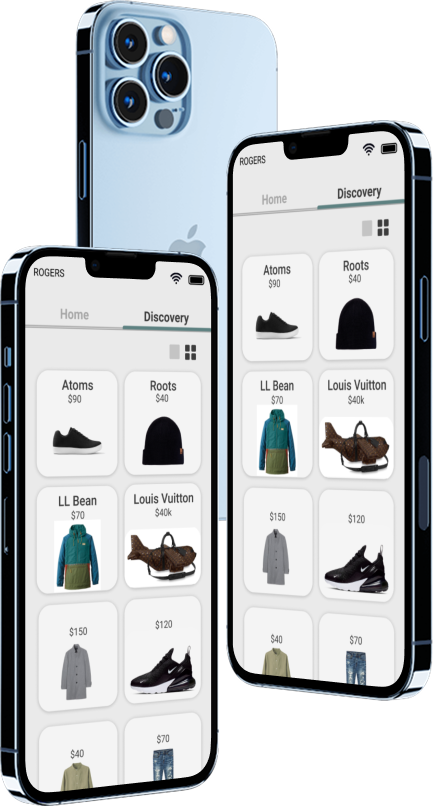
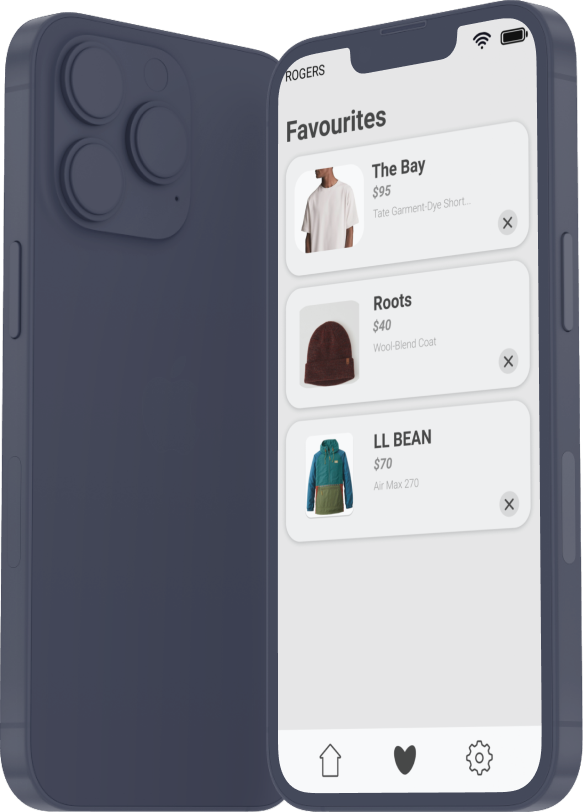
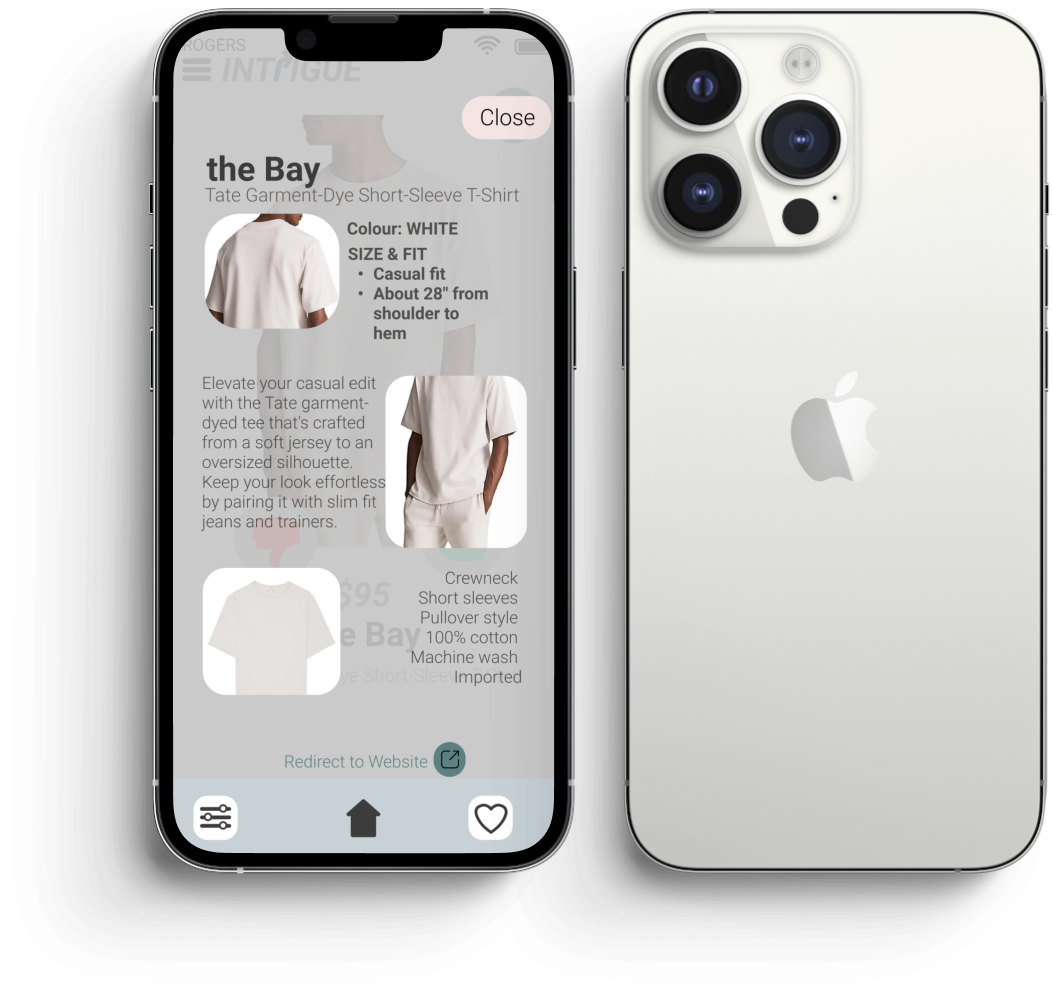
With the clothing pivot locked in, I built the high-fidelity screens in Figma around a swipeable discovery feed. Each card surfaces price, brand, and a quick like or skip, so browsing stays fast.
Every screen keeps the user in flow with minimal chrome, large imagery, and one clear action per card.
06
Prototyping the Interaction
Once the screens felt right, I moved into ProtoPie to make the interface actually work. I built the interactive pieces that show how the screens connect and how the core actions behave.
Having a clickable prototype let me test the browse-to-discover flow instead of just describing it.
07
Color & Visual System
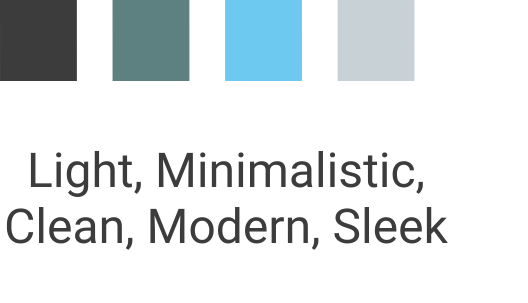
The palette stays minimal and sleek so users can move through collections without friction. Restraint was the point: the clothes should lead, not the interface.
08
What I Learned
This was the project where prototyping clicked for me. Building in Figma and ProtoPie together taught me how much stronger a design reads when you can actually use it, not just look at it.
If I took it further, I would test the discovery feed with real users and tune the like or skip logic against how people actually decide. The concept is solid, and validation is the obvious next step.
Impact
Pivoted a generic bill-pay concept into a trend-discovery clothing app.
Delivered a clickable ProtoPie prototype demonstrating a faster browse-to-discover flow.